Survival
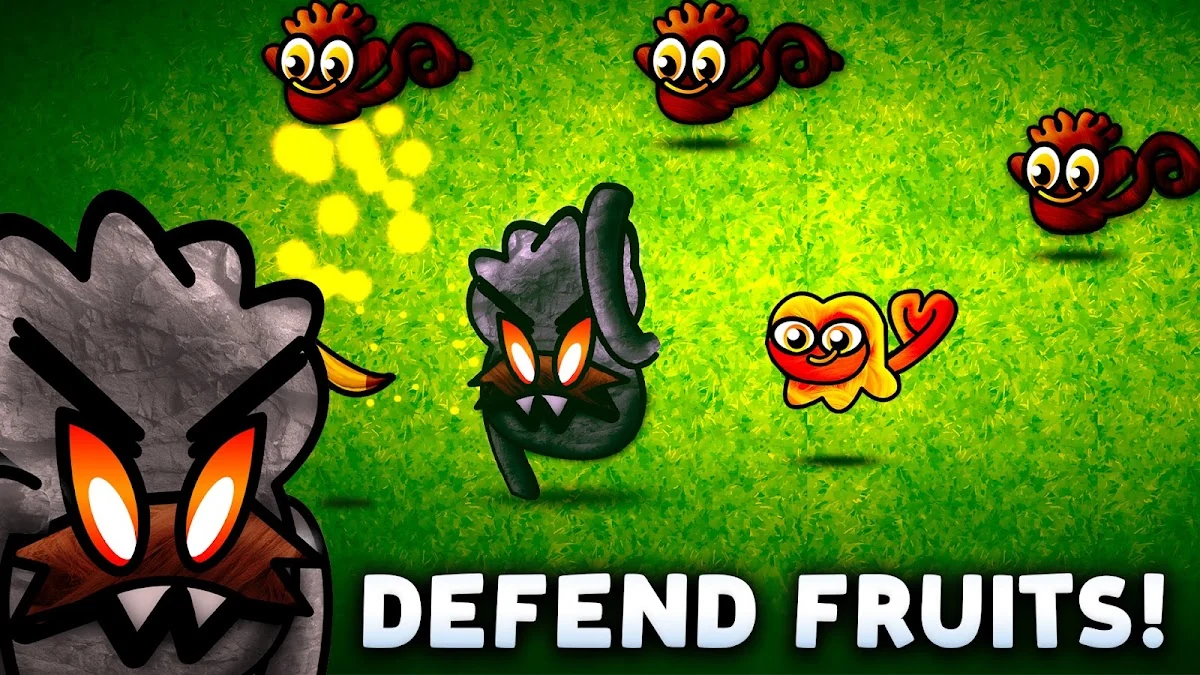
A wave-based test of how long you can keep the bananas protected. Use a first session to learn how the pressure develops.
THE BANANA DEFENCE BRIEFING
 Monkey WaveBy SnowSeal
Hold back the monkey waves, learn the threats and choose a way to play: solo, together or against an opponent.
01 / FIND YOUR PACE
A wave-based test of how long you can keep the bananas protected. Use a first session to learn how the pressure develops.
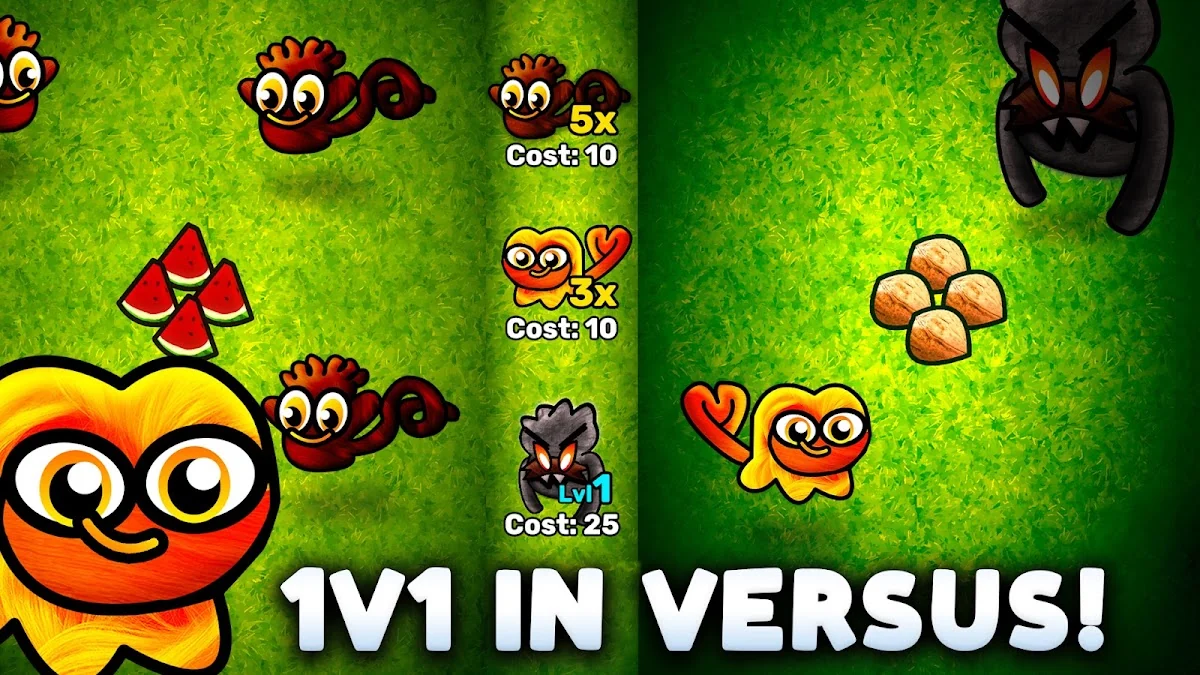
The store describes real-time competition and sending monkeys to an opponent. Read the match rules before assuming tactics from solo play will transfer directly.
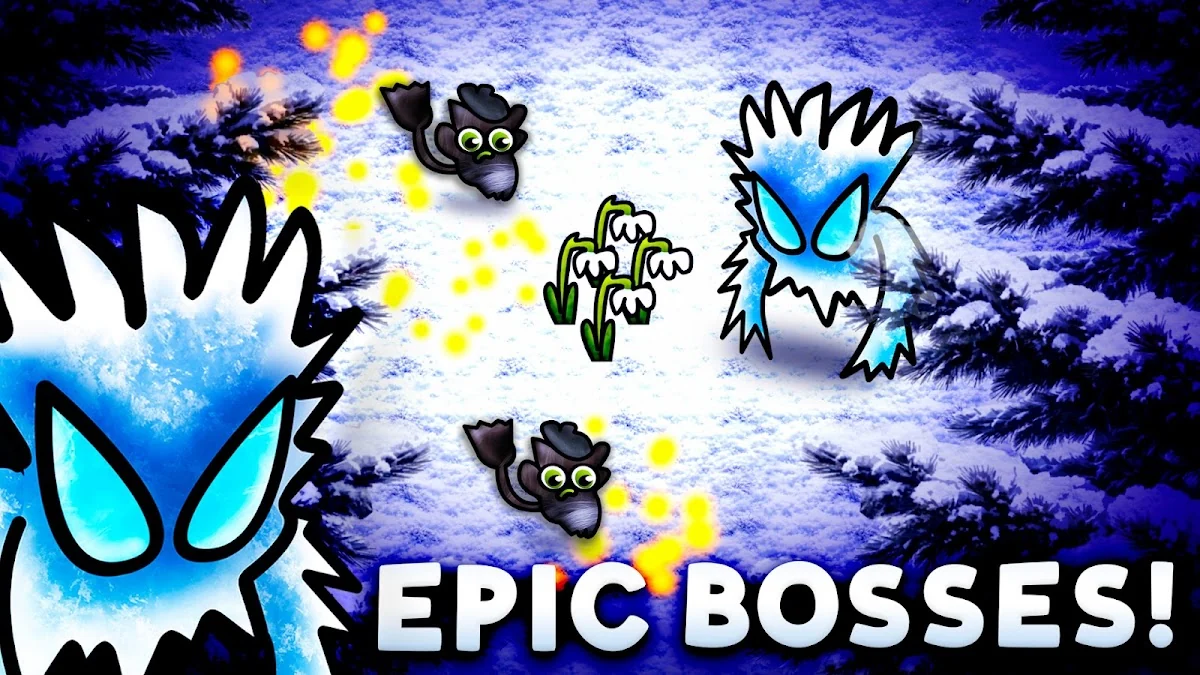
Boss Rush focuses on boss encounters; cooperative play offers a way to defend with a friend. Check the current menu for how those options are organised.
02 / THE IDEA
Monkey Wave turns a banana stash into the centre of an action challenge. Its presentation brings together survival, direct competition and a boss-focused option, with solo and cooperative play also described. The common thread is reacting to threats while deciding when an ability deserves your attention.
For players who enjoy active defence, repeated attempts and the option of playing with other people. If you prefer a quiet collecting game, look carefully at the action shown in the screenshots before choosing it.
03 / THE PLAYBOOK
Try to recognise what needs attention first instead of treating every movement as equally urgent. A clear priority helps when the screen gets busy.
Before using a special action, know what problem you want it to solve. Learning its effect is more useful than spending it simply because it is available.
A solo learning run, a cooperative session and a competitive match ask for different habits. Read the selected mode’s instructions before starting.
04 / FIRST SESSION
Install through Google Play and review current compatibility. At first launch, read the controls and any account or connection requirements.
Begin with an option that lets you learn the basic actions. Understand what ends the attempt and what you are trying to protect.
Watch the arrival patterns and practise prioritising. If a special ability appears, read its function before relying on it in a difficult moment.
After a session, identify the situation that felt hardest to read. Change one habit or coordinate one clearer plan with a friend.
05 / PROGRESS
Missions and cosmetic customisation are part of the official presentation. They give players goals alongside the immediate defence challenge. Read each mission and unlock condition in the game, and choose the activities you enjoy rather than treating every daily task as an obligation.
Focus on priorities and teamwork. Pick one decision to improve, then notice whether it becomes easier to make. A useful result is something you can explain, not just a number on a screen.
For a friendly comparison, agree on the same version and activity first. Compare what you learned as well as any result the game displays. Never share account access to prove a score.
06 / COMMUNITY NOTEBOOK
Illustrative practice table only. Fictional aliases and sample sessions; not live scores, official ranks or a prize competition.
| Place | Example player | Practice sessions | Focus |
|---|---|---|---|
| 01 | QuietOrbit | 8 | Read before reacting |
| 02 | BrightRoute | 6 | Make smaller adjustments |
| 03 | NextChapter | 5 | Finish with a clear lesson |
07 / FIELD NOTES
Protect the plan as well as the bananas.From the The Loading Screen editorial notebook
When playing together, decide how you will approach a busy moment. A short, clear agreement is easier to remember than a complicated set of rules.
Read the effect and try to understand when it changes the situation. An action that feels weak in one context may simply need a different purpose.
A new threat deserves a new look. Avoid letting a comfortable opening routine become an automatic response to every later situation.
Choose a stopping point before chasing another result. A break can help you return with a clearer sense of priorities.
08 / SMALL COURSE CORRECTIONS
Keep the purpose of an ability in mind. Availability alone is not a reason to use it.
The objective and pressure can differ between modes. Read the rules instead of carrying assumptions from one session into the next.
Talk about a specific moment and a useful adjustment. Clear communication is more helpful than arguing about the final result.
09 / OUR TAKE
The range of described modes makes this a broader prospect than a single endless runner. Its most interesting question is how a player’s priorities change between surviving alone and reacting to another person. This editorial view is based on official materials rather than a multiplayer test.
Choose a comfortable session length, keep the volume at a considerate level and pause when your attention starts to drift. A mission or a personal best can wait. If a child plays, review the first session together and check the store’s supervision settings.
10 / DEVELOPER & UPDATES
The Ancient Update notes describe a ruins map, an additional ability slot for Survival and Boss Rush, new opponents and cosmetics, and improvements to cooperative and versus play.
We checked the official presentation, images and developer contact. The game is published by SnowSeal; for technical questions, use [email protected].
Detailed end-of-session breakdowns and clearer cooperative planning tools would be useful additions. These are editorial ideas, not an announced development schedule.
11 / BEFORE YOU INSTALL
Check the current Android requirement, version, size and compatibility in Google Play from your device. Keep enough free space for installation and updates. Availability and pricing can vary by region.
The listing identifies in-app purchases. Read each confirmation before accepting a charge. This website neither processes payments nor sells game items.
The developer declares collection and sharing of app activity, app information and performance, and device or other identifiers. It reports encryption in transit and states that data cannot be deleted. Read the current details before installing.
Review permissions before accepting them and revisit them in Android settings when needed. Questions about game data belong with the developer. This independent website cannot change your app account or delete data held by another service.
12 / QUICK ANSWERS
Monkey Wave is presented as a action clicker & defence. This guide focuses on its central idea: read. react. defend.
Use the Google Play buttons on this site. They all lead to the official application listing; we do not provide APK files or downloads from other stores.
The developer shown on the official listing is SnowSeal. The Loading Screen is an independent editorial website.
Begin with an option that lets you learn the basic actions. Understand what ends the attempt and what you are trying to protect.
When playing together, decide how you will approach a busy moment. A short, clear agreement is easier to remember than a complicated set of rules.
The listing identifies in-app purchases. Read each confirmation before accepting a charge. This website neither processes payments nor sells game items.
Online competition and cooperative features need connectivity. Check the selected mode and current instructions before starting.
Open Google Play on the device you plan to use. Check compatibility, the current version, download size and available space there before installing.
No. It is a clearly labelled editorial example using fictional aliases and practice-session counts. This website does not connect to player accounts or collect scores.
The US listing checked for this guide is rated Everyone. Review the current age rating and content information before a child plays; a parent or carer should also check ads, purchases and permissions.
Contact [email protected], the developer support address published in Google Play. Describe the issue and device without sending passwords or payment credentials.
No. The Loading Screen publishes independent editorial information. Installation, accounts, purchases and game support are handled by their respective providers.
YOUR NEXT SAVEPOINT